A screenshot can hold a password, an invoice, a private message.
It should not need an account or a server to get annotated and saved.
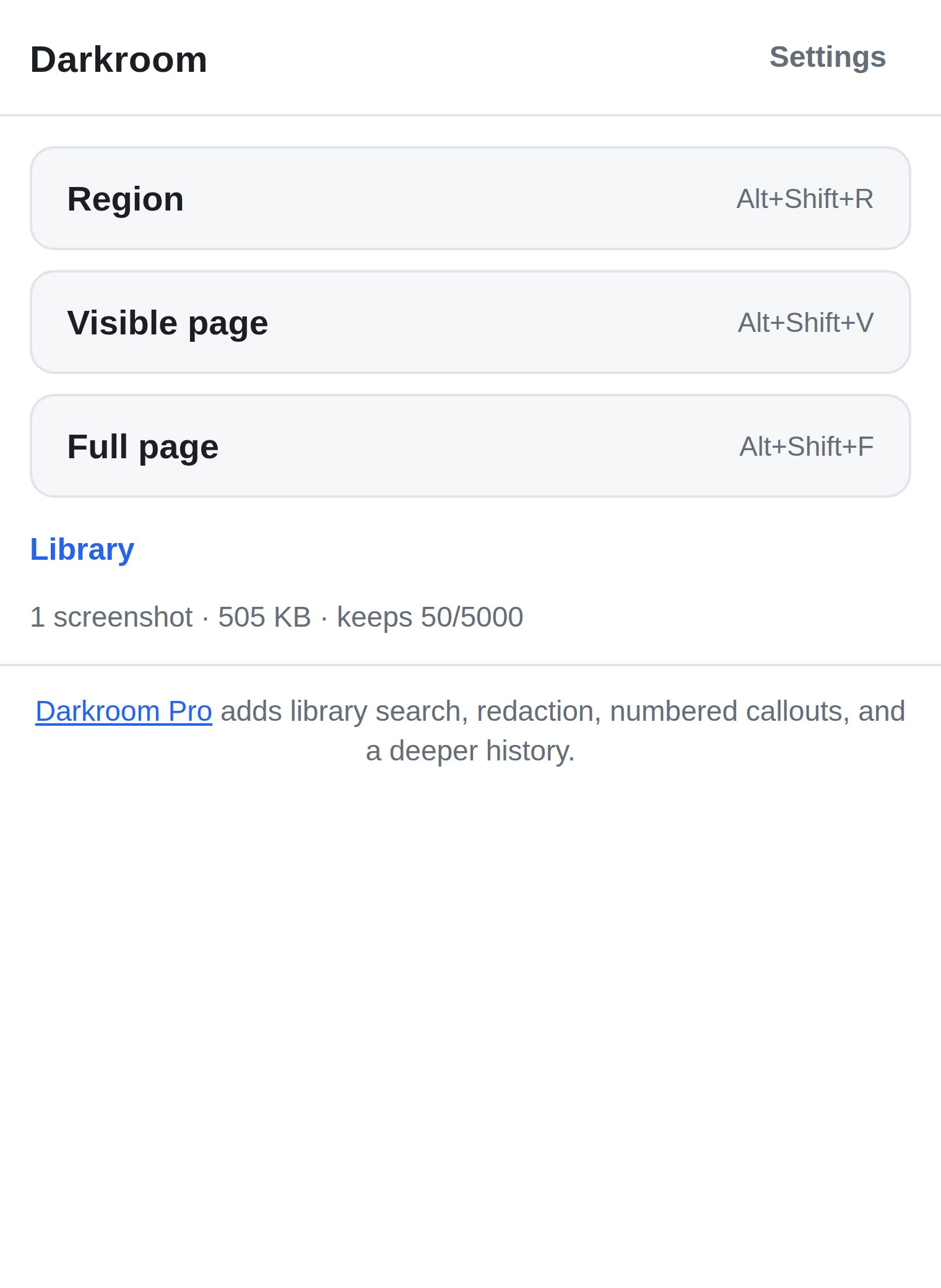
Darkroom captures a region, the visible page, or the full page, lets you mark it up and blur what shouldn't leave the room, and drops it straight into a local library on your machine. Copy it, save it as a PNG, find it again later — nothing is ever uploaded, there's no account, and there's no server for your screenshots to go to.
Manifest V3 · Chrome 116+ · also on Edge Add-ons · No account, no server, no tracking.
How it actually works
Not marketing language — this is the literal capture and save path, because a screenshot tool's promise is only as good as its mechanism.
-
Three ways to capture, one permission to see anything
Region, visible page, or full page — full page scrolls the tab and stitches each frame itself, hiding fixed headers after the first one so they don't repeat down the image. Darkroom asks for
activeTab, not access to every site you visit. It only ever sees the tab you deliberately told it to capture. -
Annotation is a real edit, not a sticker on top
Arrow, box, ellipse, text, highlight, crop — all free. Pro's blur and redact rewrite the actual pixels in the exported image, so the sensitive area is genuinely gone from the file. It is not a translucent layer sitting over the original that someone could peel back.
-
A save is only reported once it's verified
After a screenshot is written to the local library, Darkroom reads it back and recomputes its checksum before telling you the save succeeded. If the readback doesn't match, the record is discarded and you're told — never silently handed a screenshot that looks saved but isn't.
-
Pruning happens last, and pinned shots are untouchable
Once your library passes its tier's limit, the oldest unpinned screenshot is removed only after the new one has been durably written and verified — never before. Anything you pin stays, no matter how full the library gets.
-
A full library is reported, not "fixed"
If browser storage runs out mid-save, Darkroom surfaces the error and stops. It will not free space by quietly deleting screenshots you already kept — that would defeat the entire point.
Blur that means it, for Pro
Free's crop and highlight tools cover most redaction needs, but they leave the original pixels intact underneath. Pro's blur and redact are destructive by design — once applied and saved, the covered pixels are gone from the exported PNG or PDF, not hidden under something reversible. Numbered callouts and multi-page PDF export are also Pro, for screenshots headed into a bug report or a doc.
Pro licences don't phone home either
A Darkroom Pro licence is a small signed key that the extension checks entirely on its own, offline, using public-key verification. It never contacts a server to validate a purchase — not at activation, not afterward. That's a deliberate trade: we can't detect a copied key, but "nothing about your screenshots is ever sent anywhere" is a claim we'd rather keep true unconditionally than dilute with a phone-home check.
Free vs Pro
Free is a complete screenshot tool on its own. Pro adds depth for people who screenshot for a living — never access to your own images.
| Feature | Free | Pro |
|---|---|---|
| Region, visible-page & full-page capture | Included | Included |
| Annotate (arrow, box, ellipse, text, highlight, crop) | Included | Included |
| Copy to clipboard & save PNG | Included | Included |
| Local library size | 50 screenshots | 5,000 screenshots |
| Export your own screenshots | Included, forever | Included, forever |
| Blur & redact (real pixel destruction) | — | Included |
| Numbered callouts | — | Included |
| Multi-page PDF export | — | Included |
| Search your library | — | Included |
| Price | $0 | $12 one-time |
Buy Darkroom Pro — $12 One-time. Sold through Paddle. Key shown on screen after payment.
Exporting your own screenshots will always be free
Not "free for now" — free on principle, for the life of the product. Part of why Darkroom exists is that people have watched popular screenshot tools go unfixed for over a year, upload every shot to a public URL anyone could guess, or get bought out and turned into something closer to malware. Holding your own screenshots hostage behind a licence would be the same broken trade in a different shape. Pro sells convenience and depth on top of your library. It will never sell you the exit door.
What we can honestly say instead of "trusted by thousands"
Darkroom is pre-launch. There are no users yet, so there are no reviews, no install counts, and nothing here is going to pretend otherwise. Here is what we can state precisely, because it's true of the code today:
-
Every screenshot Darkroom captures lives in
IndexedDB, on your machine, inside your Chrome profile. There is no Darkroom server that screenshots are sent to — because there is no Darkroom server, full stop. -
The extension has no host permissions — it cannot read any page you
haven't deliberately captured. It requests only
activeTab,scripting,storageandunlimitedStorage, andscriptingis only ever used to inject the region-selection overlay or the full-page scroll driver at the moment you start a capture. - There is no analytics SDK, no telemetry, no crash reporter, no tracking pixel, and no network request Darkroom makes with your screenshots — there's nowhere for one to go.
- We — the people who make Darkroom — cannot see your screenshots. Not "we don't look." There is nowhere for them to arrive.
- The one thing that does leave your machine is a Pro purchase, handled entirely by Paddle as the seller of record. See the privacy policy for exactly what that involves.
Get Darkroom
Darkroom is free on the Chrome Web Store and on Microsoft Edge Add-ons. Install it, then unlock Pro here whenever you want blur and redact, callouts, PDF export and library search.
Install from the Chrome Web Store Install from Edge Add-ons
Brave, Vivaldi and other Chromium browsers can install from either store. Pro licences are sold through Paddle. Buy Pro — $12
FAQ
- Why build another screenshot tool?
- Because the popular ones stopped earning that popularity. One of the most widely installed screenshot extensions has had a broken capture button for over a year with no fix. Another uploads every screenshot to a public URL that's guessable, not private. Several have forced account walls and subscriptions onto a feature that used to be a single click, and at least one well-known annotation tool was sold and turned into something closer to adware. And screenshots routinely contain the kind of thing — a password field, an invoice, a private message — that shouldn't touch a server at all. Darkroom exists so none of that is a trade-off you have to accept just to mark up a screenshot.
- Does this upload my screenshots anywhere?
-
No. Everything is stored locally, in your browser's own
IndexedDB. Darkroom has no cloud component at all. If you want a copy off your machine, save it as a PNG or copy it to your clipboard and put it wherever you like. - Can Darkroom read the pages I visit?
-
No. It requests
activeTab, not host permissions, so it has no standing access to any page. It only sees a tab's content for the moment you invoke a capture on it — nothing before, nothing after, nothing on tabs you never captured. - What happens to my library when I uninstall the extension?
- Chrome deletes an extension's local storage when you uninstall it — that's standard Chrome behavior, not something Darkroom can override. Export or copy the screenshots you want to keep before you uninstall, switch machines, or reset your Chrome profile.
- What does "real pixel destruction" mean for blur and redact?
- It means the covered pixels are actually overwritten in the exported image. Once you blur or redact a region and save or export it, that data is gone from the file — not sitting underneath a shape someone could nudge aside or delete to reveal it again.
- Does buying Pro create an account somewhere?
- No account with us. Paddle handles the purchase and delivery of your licence key. The extension verifies that key's signature locally and never checks in with a server afterward — so we don't know when, where, or how often you activate it.
- What Chrome version do I need?
- Chrome 116 or newer, on the standard Manifest V3 extension platform.
- Is the Pro price final?
- Yes. $12, one-time, sold through Paddle. No subscription, no early-bird games, no countdown timers.
Compared honestly
Side-by-side pages with sources, including the cases where the other tool is the better pick.
Darkroom vs Lightshot · Darkroom vs GoFullPage · Darkroom vs Nimbus Screenshot