Compared honestly · updated 2026-09-26
Toby capped you at 60 tabs and asked for an account. Backstop asks for neither.
Toby used to work as a local tab shelf with an optional account. In 2024 it removed guest mode, made an account mandatory, and limited the free plan to 60 saved tabs, with the paid plans at $6 a month. The reviews since then are about one thing: people who built a workflow around Toby and found the door locked. Backstop is the opposite bet: local, unlimited, one-time price.
- Toby: account required, free plan capped at 60 saved tabs, $6/month to lift it, data stored on Toby's servers in Canada and the US.
- Backstop: no account, no server, no cap on saved sessions, free forever for save and restore; Pro is $12 once.
- Toby's store listing declares collection of location, web history, user activity and website content. Backstop declares none; its code makes no network requests.
Toby vs Backstop, side by side
| Toby | Backstop | |
|---|---|---|
| Price | Free up to 60 saved tabs; $6/month ($4.50/month yearly) beyond | Free; Pro $12 one-time |
| Account required | Yes, since guest mode was removed | No |
| Where your data lives | Toby's servers (Canada and the US) | Your browser's local storage only |
| Saved-tab limit | 60 on the free plan | None |
| Version history | Collections edited in place | Every save is a separate, dated snapshot |
| Verified after write | n/a (cloud) | Read back and checksummed |
| Data declared on the Chrome Web Store | PII, authentication, location, web history, user activity, website content | None |
| Permissions in the published manifest (read 26 Sep 2026) | storage, unlimitedStorage, tabs, contextMenus, declarativeNetRequestWithHostAccess, cookies, sidePanel; host access to *.gettoby.com | tabs, storage, unlimitedStorage, alarms; no host permissions |
| Survives uninstall | Only while your account exists | No — export first (plain JSON, free forever) |
| Browsers | Chrome, Edge, Firefox | Chrome, Edge, other Chromium |
Competitor facts were checked on 2026-09-26 against the sources linked below. If something has changed, tell us and we will correct it.
Where Toby users get hurt
The 60-tab wall
Toby's free Starter plan allows "up to 60 saved tabs". Their help centre explains what that means for existing users: "If you currently have more than 60 tabs saved, you won't be able to add any new tabs until your total is below the limit." The paid plan is $6 a month, or $4.50 a month billed yearly.
"can only save 60 tabs, which is barely nothing" — Chrome Web Store, June 2026
"increasingly greedy and are now pay-walling the core feature of the app: Saving tabs." — Firefox Add-ons, October 2024
Sources: Toby pricing · Toby help: what the changes mean · Firefox Add-ons reviews
Guest mode is gone, so your tabs live on their servers
In Toby's words: "Guest mode allowed you to use Toby without creating an account, with all your data stored locally... We can no longer support guest mode... All users must create an account... your data will be lost and unrecoverable once you uninstall Toby." The privacy policy places account data in Canada and the United States on Heroku and AWS.
"my account was deleted with all bookmarks" — Firefox Add-ons, November 2024
Sources: Toby help: why guest mode was removed · Toby privacy policy
A tab manager that knows where you are
Toby's Chrome Web Store privacy tab declares that it handles personally identifiable information, authentication information, location, web history, user activity and website content. For a tool whose job is to remember which pages you had open, that is a lot of surface.
What Backstop does instead
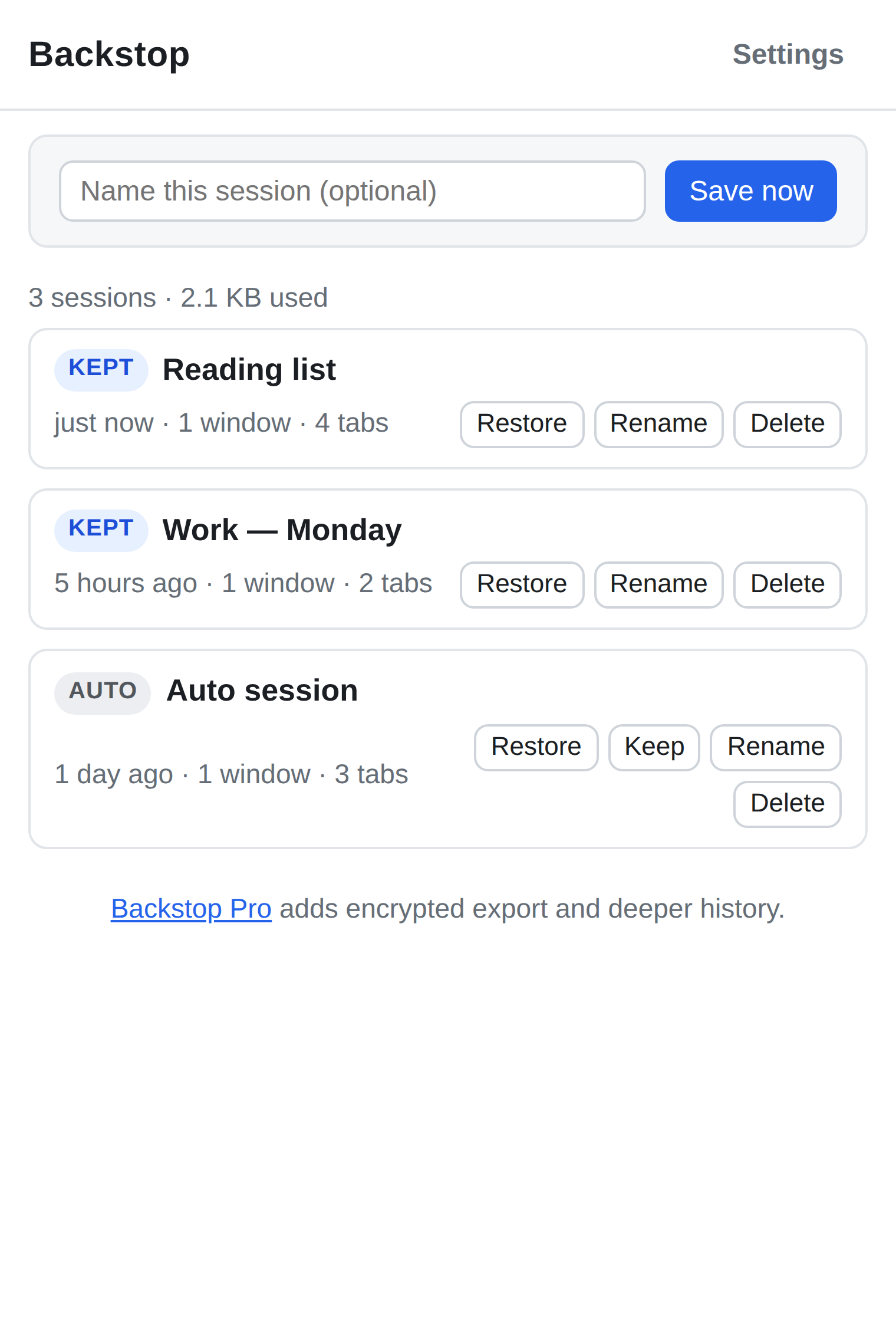
Backstop has no account because it has no server. Sessions are written to your browser's own extension storage, one snapshot per save, each read back and checksummed before it is trusted. There is no cap on how many you keep. Automatic snapshots run on a timer. The free version does everything you need to save and restore; Pro is $12 once, not $6 a month, and adds a deeper snapshot history plus encrypted export.
Backstop requests no host permissions and makes no network requests, so it does not collect location, activity or page content, and it declares nothing on the store because there is nothing to declare.
To be fair to Toby
Toby is a visual workspace with drag-and-drop collections, team sharing and cross-device sync, and a cloud account is what makes those possible. If you want your tabs on every device and are happy paying monthly for a hosted service, Toby does that and Backstop does not. Backstop is a local backup, not a shared workspace.
Try Backstop
Free on the store. No account, no server, nothing uploaded. Pro is a $12 one-time purchase, sold through Paddle, and plain export of your own data is never paywalled.
Install from the Chrome Web Store Install from Edge Add-ons Read how Backstop works
Questions people ask
- Can I get my tabs out of Toby into Backstop?
- Toby offers an export of your collections while your account is active. Do that first. Backstop imports its own plain JSON format; open the Toby export alongside Backstop and save the sessions you want to keep, or simply hold onto the export file.
- Does Backstop sync between devices?
- No. Everything stays on the machine where it was saved. To move sessions, export (plain or encrypted) and import on the other machine.
- Is there a limit on saved sessions in the free version?
- No cap on manual saves. Automatic snapshots keep the last 10 on free and the last 200 on Pro.
- What does Pro cost?
- $12, one time, sold through Paddle. No subscription.