Compared honestly · updated 2026-09-26
GoFullPage charges yearly to crop and annotate. Darkroom does it for free, locally.
GoFullPage is the best-known full-page capture extension, with eleven million users and a 4.9 rating, and it is genuinely local: captures stay in the browser. The catch is what happens after the capture. Cropping, annotating and downloading an edited image need the premium editor, $12 a year. Darkroom covers the same capture modes, includes the editor in the free version, and sells Pro once for the price of GoFullPage's first year.
- GoFullPage: excellent full-page capture, local storage, but crop, annotate, blur and text are premium at $12/year after a one-week trial.
- Darkroom: region, visible and full-page capture plus arrow, box, ellipse, text, highlight and crop, all free. Pro is $12 once for blur/redact, callouts, PDF export and search.
- Both are local-only. GoFullPage's manifest is admirably small; Darkroom's is the same four permissions.
GoFullPage vs Darkroom, side by side
| GoFullPage | Darkroom | |
|---|---|---|
| Price | Free capture; premium editor $12/year ($1/month) after a 1-week trial | Free capture and editor; Pro $12 one-time |
| Account required | No for capture; premium is a subscription | No |
| Where screenshots go | Local sandboxed storage | Local library in your browser |
| Permissions in the published manifest (read 26 Sep 2026) | activeTab, scripting, storage, unlimitedStorage; no host permissions | activeTab, scripting, storage, unlimitedStorage; no host permissions |
| Capture modes | Full page (with PDF and image export) | Region, visible page, full page |
| Crop | Premium | Free |
| Arrow, box, text, highlight | Premium | Free |
| Blur / redact | Premium | Pro |
| PDF export | Free (smart splitting is premium) | Pro |
| Library | Recent captures | Local library with pin, rename; search in Pro |
| Browsers | Chrome, Edge, Firefox (since Sep 2026) | Chrome, Edge, other Chromium |
Competitor facts were checked on 2026-09-26 against the sources linked below. If something has changed, tell us and we will correct it.
Where GoFullPage users get hurt
The editor is the paywall
GoFullPage's own FAQ: "if you want to crop, edit, or annotate your screenshot using the premium tools, then you'll need to start a premium trial to download the edited version." Premium is "$12 USD (not including tax and foreign exchange) per year". The premium editor has existed since at least July 2020, so this is not a recent change, but it is the thing people run into after the capture works.
"its features (paint, cropping, etc.) require a Premium subscription." — r/chrome_extensions, September 2021
Sources: GoFullPage FAQ · GoFullPage premium page · Premium editor announcement, Jul 2020
Full page only
GoFullPage does one capture mode. If you want a region or just the visible viewport, you crop afterwards, and cropping is premium. Darkroom starts from the shape you want.
Sources: Chrome Web Store listing
A month off the store in 2026
GoFullPage was removed from the Chrome Web Store on 11 August 2026 over what the developer described as a copyright issue with a small animated GIF, and Chrome showed "might be unsafe" warnings to existing users until it was restored on 14 September. Not a security problem, and it is back, but it is a reminder that a tool you depend on can vanish from the store for reasons that have nothing to do with you. Darkroom's plain export means your library never depends on any listing.
Sources: GoFullPage blog, Aug 2026 · GoFullPage blog, Sep 2026 · Android Authority
What Darkroom does instead
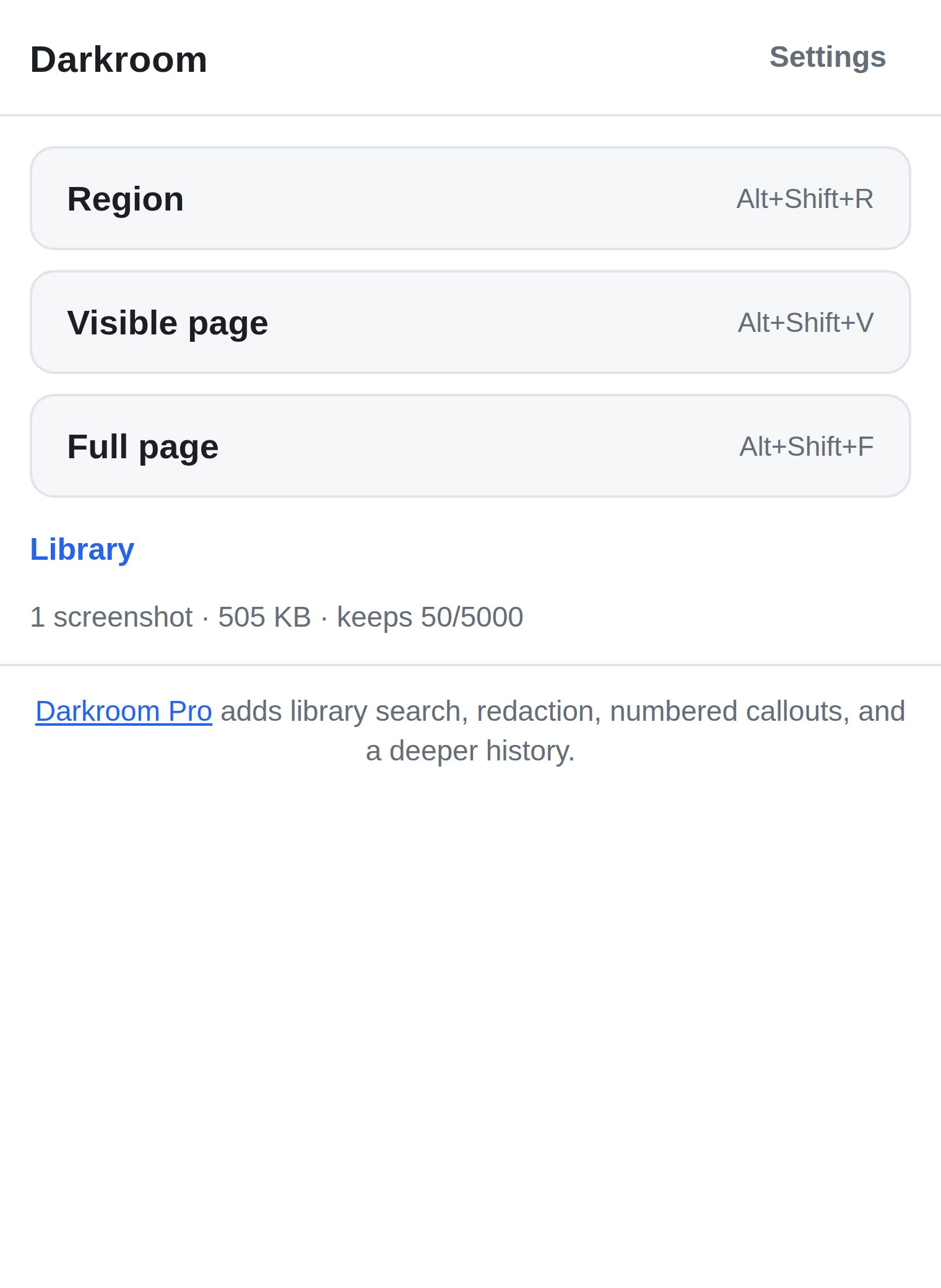
Darkroom captures a region you drag, the visible page, or the full page stitched as it scrolls. The editor is free: arrow, box, ellipse, text, highlight, crop. Copy to the clipboard or save as PNG. Every capture lands in a local library you can browse, pin and rename; the free library keeps your last 50 captures.
Pro is $12 once, not per year: blur and redact, numbered callouts, PDF export, library search and a 5,000-capture library. Same four permissions as GoFullPage, no host permissions, nothing uploaded, and export of your own screenshots is free forever.
To be fair to GoFullPage
GoFullPage's full-page capture is more battle-tested than Darkroom's on unusual layouts, its PDF output is excellent, it has a Firefox version, and eleven million installs with a 4.9 rating is a track record Darkroom does not have yet. If you only ever need whole pages as PDFs and never annotate, GoFullPage's free tier is all you need.
Try Darkroom
Free on the store. No account, no server, nothing uploaded. Pro is a $12 one-time purchase, sold through Paddle, and plain export of your own data is never paywalled.
Install from the Chrome Web Store Install from Edge Add-ons Read how Darkroom works
Questions people ask
- Is Darkroom's full-page capture as good as GoFullPage's?
- It works by scrolling and stitching, which handles most pages well. Pages with sticky headers or lazy-loaded content can need a second try. GoFullPage has years of edge-case handling; Darkroom is newer and honest about it.
- Does Darkroom export PDF?
- PDF export is a Pro feature in Darkroom. PNG export and clipboard copy are free.
- Does either tool upload my screenshots?
- No. Both keep captures in local extension storage, and both manifests request no host permissions.
- What does Darkroom Pro cost?
- $12, one time, through Paddle. That is GoFullPage's first year of premium, without the second.